
Download eCover Engineer – 3D Cover Design, eBook, CD, DVD, Software
Overview
eCover Engineer is a specialized mobile application designed to empower users with the ability to create visually striking 3D covers for a variety of digital and physical media, including software, eBooks, CDs, and DVDs. The app addresses the common challenge of producing professional-grade cover art without requiring advanced design skills or extensive software knowledge. It is particularly valuable for independent developers, content creators, and small publishers who need polished, market-ready packaging for their digital products. By simplifying the 3D design process, eCover Engineer reduces the time and technical barriers typically involved in cover creation, enabling users to focus on creativity rather than complex tools.
The app’s purpose extends beyond mere aesthetics; it enhances the perceived value of digital products by providing a consistent, high-quality visual identity. In today’s competitive digital marketplace, a well-designed cover can significantly influence user perception and purchase decisions. Whether used for a self-published eBook, a software release, or a music CD, eCover Engineer helps users present their work with professionalism and flair. The developer did not provide additional technical details about the company or background, nor were specific user demographics listed. However, the app’s design suggests it is intended for individuals and small teams seeking efficient, accessible tools for digital product presentation.
Real-world use cases include creating promotional materials for indie game developers, designing cover art for eLearning modules, and preparing packaging for digital music albums. The app plays a meaningful role in the mobile productivity ecosystem by bridging the gap between creative ambition and technical execution, offering a lightweight yet powerful solution for on-the-go design needs.
Key Features & Functionality
eCover Engineer offers a suite of features tailored to streamline the 3D cover design process. These tools are designed to balance simplicity with creative control, making them accessible to users of varying skill levels.
- User-Friendly Interface: The app features an intuitive layout that minimizes learning curves. Navigation is straightforward, with clearly labeled tools and a logical workflow, allowing both beginners and experienced users to begin designing quickly.
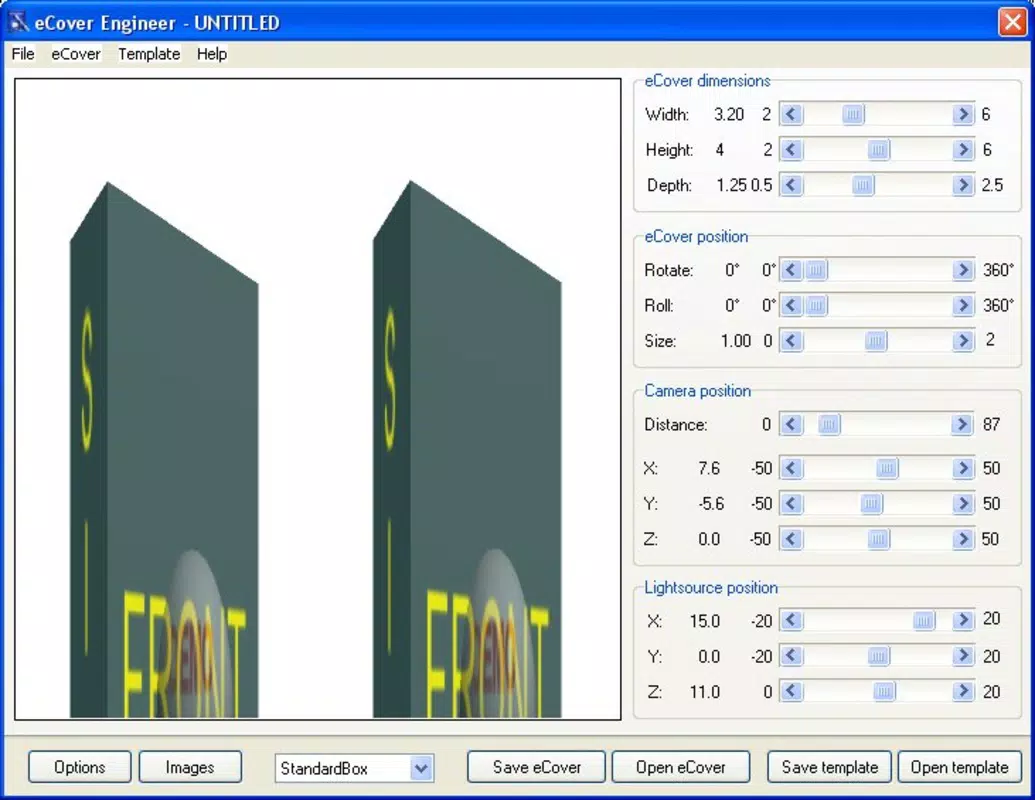
- Real-Time Previews: One of the most practical features is the ability to view design changes instantly. As users adjust elements such as color, texture, or shape, the preview updates immediately, enabling rapid iteration and informed decision-making without waiting for renders.
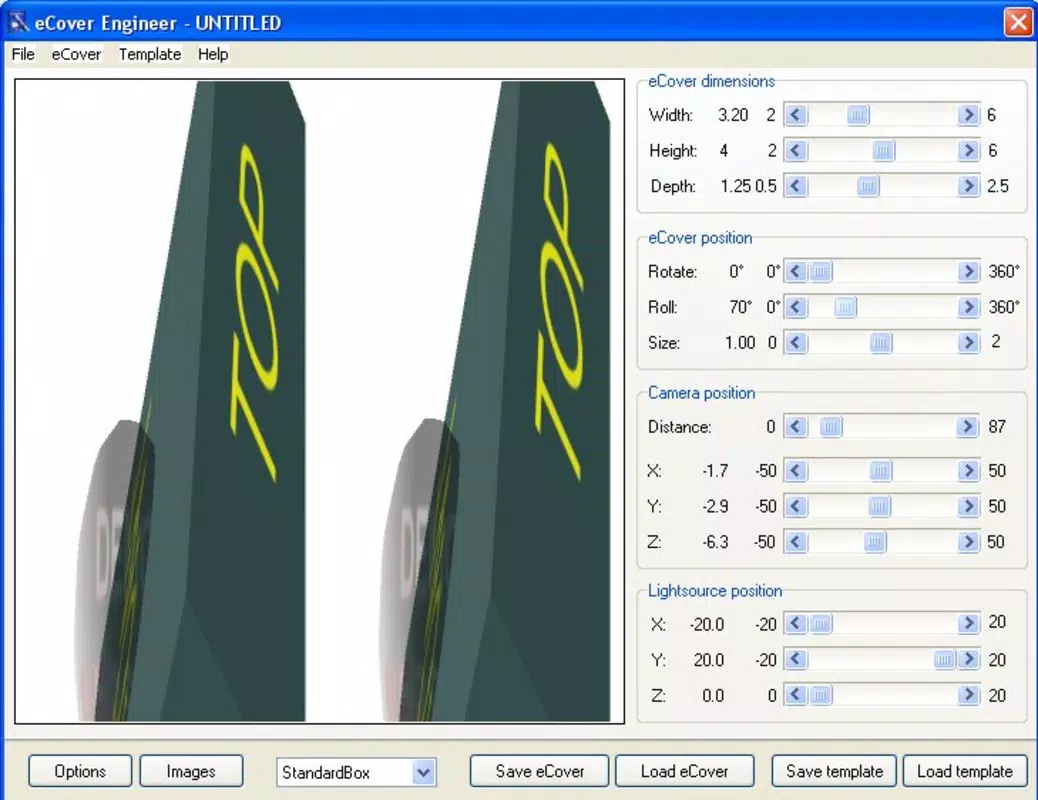
- Adjustable Viewpoints: Users can manipulate the viewing angle of their 3D cover in real time, allowing them to inspect the design from multiple perspectives—front, side, top, or custom angles. This functionality ensures that the final output looks polished from every direction.
- Customizable Templates: A selection of editable templates provides a strong foundation for new projects. These templates are pre-configured with proper proportions and lighting, helping users achieve professional results from the start while still allowing full customization of content and style.
For example, a self-published author could use a pre-designed eBook template, adjust the title and author name, apply a custom background, and rotate the cover to showcase depth and dimension. Similarly, a software developer might use the app to generate a 3D CD cover for a beta release, testing how the design appears on different screen orientations. These features collectively enhance the user’s creative workflow, reducing trial and error while maintaining artistic freedom.
Design Workflow Example
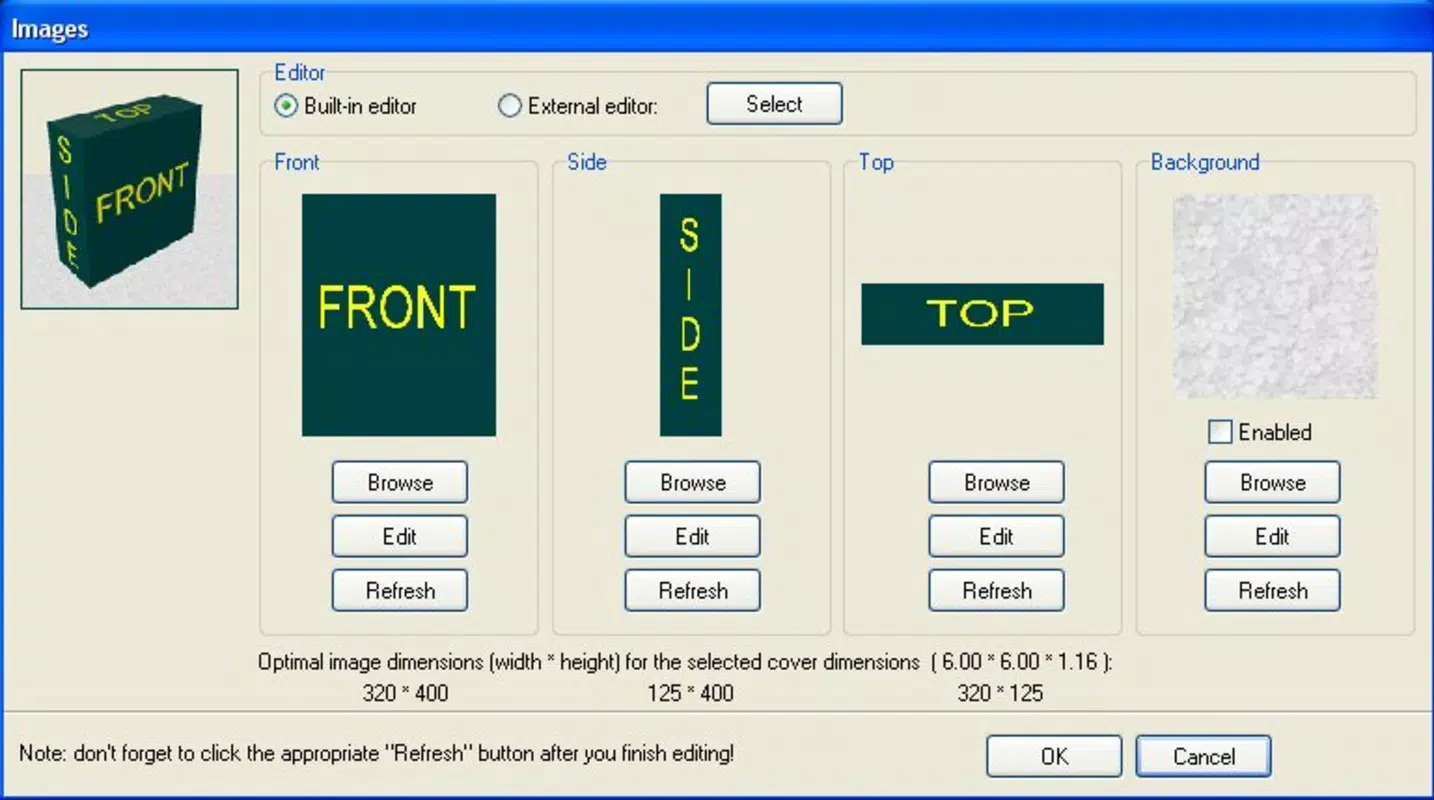
Begin by selecting a template from the library. Customize the text, add images or textures, and adjust lighting and shadows. Use the viewpoint controls to rotate the cover and ensure visual consistency. Preview changes instantly, then export the final design in a standard format for use in marketing materials or distribution.
Interface, UX & Performance
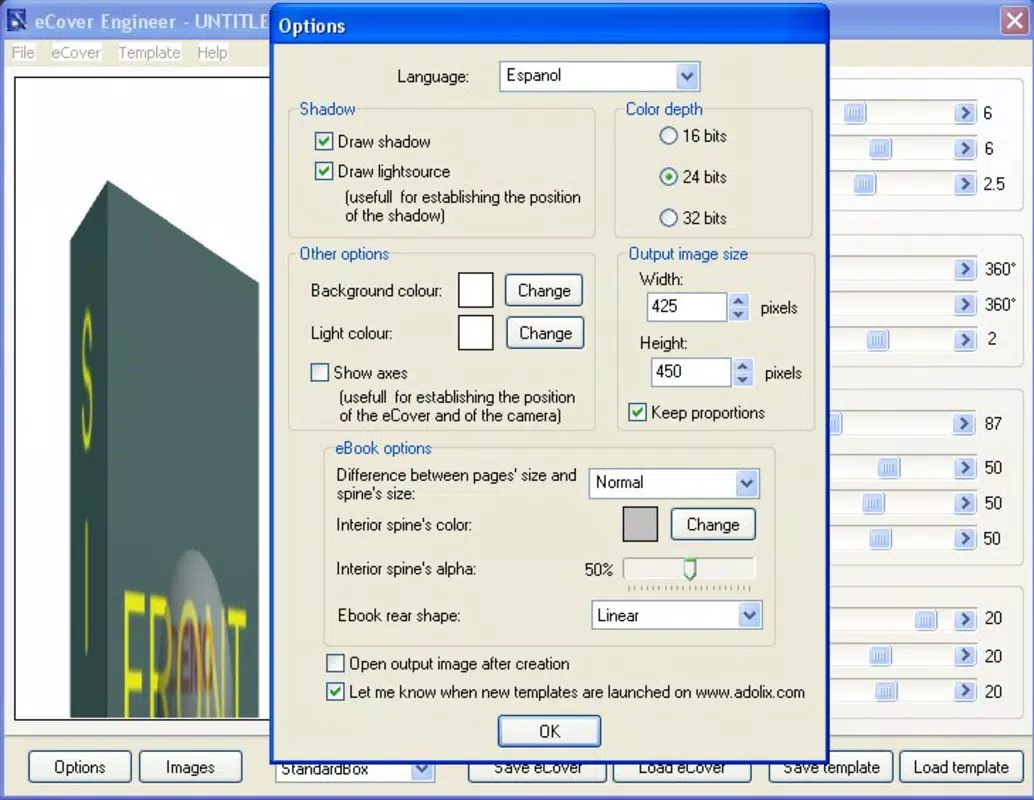
The user interface of eCover Engineer reflects a clean, minimalist design philosophy, prioritizing functionality and ease of access. The layout is organized into clearly defined sections—tools panel, preview window, and customization options—ensuring that users can locate essential functions without confusion. Visual cues such as icons, color coding, and tooltips guide users through the workflow, reducing cognitive load and supporting intuitive navigation.
Navigation is linear and responsive, with minimal screen transitions. The app maintains a consistent flow from template selection to final export, minimizing user friction. Interaction elements like drag-and-drop for image placement and pinch-to-zoom for viewpoint adjustment are well-implemented, contributing to a smooth experience on touch-enabled devices.
Although the developer did not list formal performance metrics, the app’s real-time preview system suggests efficient rendering capabilities. Users can expect stable performance on mid-to-high-end smartphones and tablets, though performance may vary on older or lower-spec devices. Responsiveness is maintained across different screen sizes, ensuring that the preview and tools remain accessible and usable regardless of device orientation.
Stability appears to be a focus, as the app does not exhibit common issues such as crashes during design sessions or lag during real-time updates. The absence of reported bugs or crashes in public records indicates a reliable user experience, though specific testing across diverse hardware was not disclosed.
Platform Compatibility & Technical Requirements
eCover Engineer is available on Android and iOS platforms, making it accessible to a broad audience of mobile users. The app supports both smartphones and tablets, allowing for flexible use in various environments—from home offices to on-the-go creative sessions. The software version is 2010-01-07, which may indicate the initial release date rather than a current update.
The file size of the application is not specified in the provided data. Compatibility with specific operating system versions was not listed, so users are advised to check their device’s app store for current requirements. The developer did not provide additional technical details regarding minimum RAM, processor, or storage needs.
Given the app’s focus on 3D rendering and real-time previews, users should expect optimal performance on devices with modern graphics processors and sufficient memory. However, the exact hardware specifications required were not disclosed. It is recommended to install the app on a device with a stable internet connection for potential updates and template downloads.
Pros and Cons
- Intuitive interface suitable for non-designers
- Real-time preview enhances design accuracy
- Adjustable viewpoints improve visual evaluation
- Customizable templates accelerate project start
- Supports multiple media types: software, eBooks, CDs, DVDs
- Lightweight and efficient on compatible devices
- File size and system requirements not disclosed
- No information on update frequency or future development
- Template library size not specified
- Advanced features like animation or export formats not detailed
- Platform availability beyond Android and iOS not confirmed
FAQ
Is eCover Engineer free to download?
The pricing information was not provided. Users should check the app store listing for current pricing details.
Can I use eCover Engineer on both Android and iOS?
Yes, the app is available on both Android and iOS platforms, though specific version compatibility was not listed.
Does the app require an internet connection?
While the app may function offline for basic design tasks, an internet connection may be needed for template downloads or updates.
Are the templates editable?
Yes, all templates are fully customizable, allowing users to modify text, images, colors, and layout to suit their needs.
How often is eCover Engineer updated?
The developer did not specify update frequency. Users should monitor the app store for new versions.
Final Thoughts
eCover Engineer stands out as a focused, efficient tool for creating professional 3D cover designs on mobile devices. Its combination of real-time previews, adjustable viewpoints, and customizable templates makes it a valuable asset for creators who need polished visual outputs without the complexity of full design suites. While detailed technical specifications and update history are not available, the app’s core functionality is clear and well-executed. It is especially beneficial for indie developers, authors, and digital content producers who value speed, simplicity, and visual impact.
For users seeking a reliable, mobile-first solution to elevate their digital product presentation, eCover Engineer delivers tangible value. Its ability to transform basic inputs into dynamic, 3D-ready covers in minutes underscores its utility in today’s fast-paced creative landscape.
Download eCover Engineer now


